Sunshine Islands Bus Simulator servers
Standard servers are small and open from the start; Public Realism and Community Servers both unlock at level 10 and raise the cap to 75 and 100 players.
Server choice changes the whole feel of Sunshine Islands: a small standard server is quiet and lag-light, a Public Realism server polices your driving, and a Community Server puts up to 100 drivers on the same map.
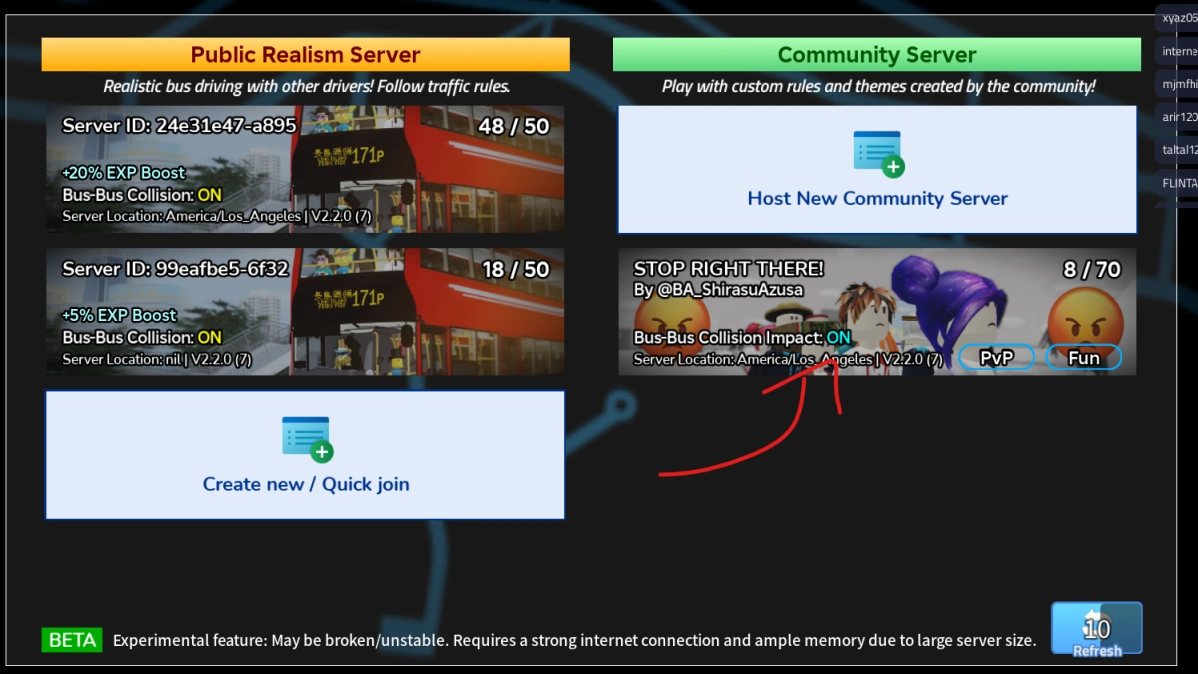
The three server types
| Type | Players | Unlocked | What is different |
|---|---|---|---|
| Standard server | Small — the Roblox listing shows 12, the community wiki says about 14 | From the start | The normal game: shifts, Free Drive, Daily Tasks |
| Public Realism Server | Capped at 75 | Level 10 | Traffic laws enforced, vote kick, XP boost, collisions on |
| Community Server ("Big Server") | Up to 100 | Level 10 | Heavy traffic, group runs, roleplay, higher lag risk |
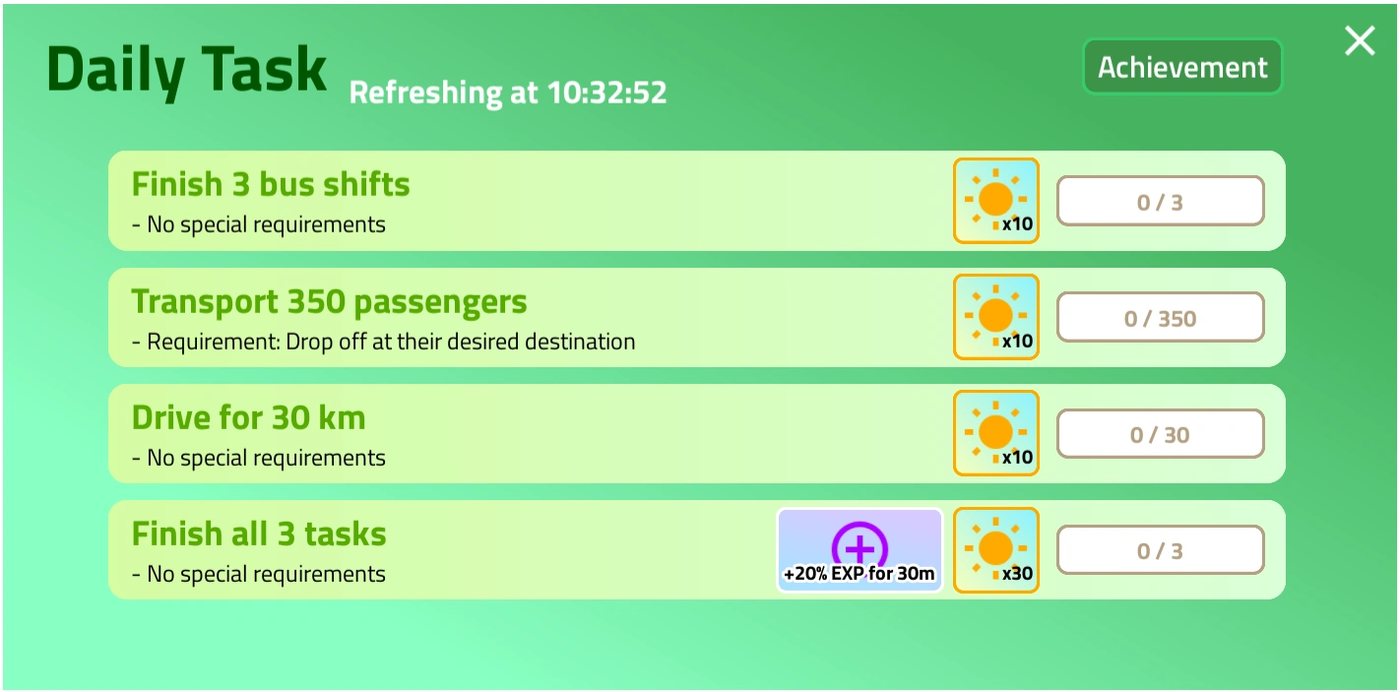
All modes — including Daily Challenges — are available in every server type. The level 10 gate applies to entering the large servers, not to the activities inside them.
Public Realism Servers
These exist for people who want the simulation taken seriously. Anyone can host one, but the host's name is hidden from the server list, and joining shows you the rules before you are teleported.
- Obey all traffic signals, signs and laws.
- Do not block traffic — use hazard lights if you must pull over away from a stand or go AFK.
- Wait your turn when loading and unloading.
- Collision is always enabled, but impacts will not push or flip other vehicles.
- Vote kick lets enough players remove someone driving erratically or blocking the road.
- An XP boost applies, and the exact amount varies between servers.
Community Servers
Introduced on 24 August 2025, these are the 100-player servers reached from the main menu's Big Server option. The loading screen shows them as "Sunshine Islands 100P".
- Expect heavier lag or occasional disconnects — the map is large and the player count is high.
- A major lag-reduction pass landed in April 2026.
- Scheduled group runs and bus-to-bus collisions are normal here; that is the point.
- You can join a friend's Community Server straight from the Roblox homepage regardless of your in-game level.
Which one should you use?
| Situation | Pick |
|---|---|
| Learning a route, recording footage, low-end device | Standard server |
| Level 10 and wanting the busiest traffic | Community Server |
| Wanting realistic driving rules and an XP boost | Public Realism Server |
| Wanting the smoothest possible session | A free private server, as the official game page suggests |
Practical advice for large servers
- Join from the menu, not mid-shift. You are teleported on selection, so finish what you are doing first.
- Treat lag as part of the route. Leave more stopping distance than the 7 metre door prompt suggests.
- Watch the XP boost line in the browser. It differs between realism servers and is worth checking before you commit to a long session.
- Read the rules panel. Realism servers show them before teleport, and vote kick is faster than an argument.